
A document visible in an app is not necessarily stored on your phone. It may need a fresh connection or login to open. Prepare a small offline set of genuinely useful information and test access before you depend on it.
Choose information with a clear purpose
Useful items might include insurance contacts, accommodation details, equipment instructions and the current household plan. Avoid downloading every identity or financial record simply because space is available. Consider who needs each item and how sensitive it is, then keep only the information that helps someone take an appropriate next step. Keep the selection small enough that the most useful document is easy to identify.
- Give files clear names and a current date.
Check access in ordinary conditions
Use the app's download or local-save feature and verify the file opens without fetching it again. Understand whether a password, expiry or separate security check will still be needed. Do not weaken account security for convenience; use a secure method you already understand and retain a paper copy of essential contact details.
- Check that text is readable on the actual screen.
Keep a second recovery route
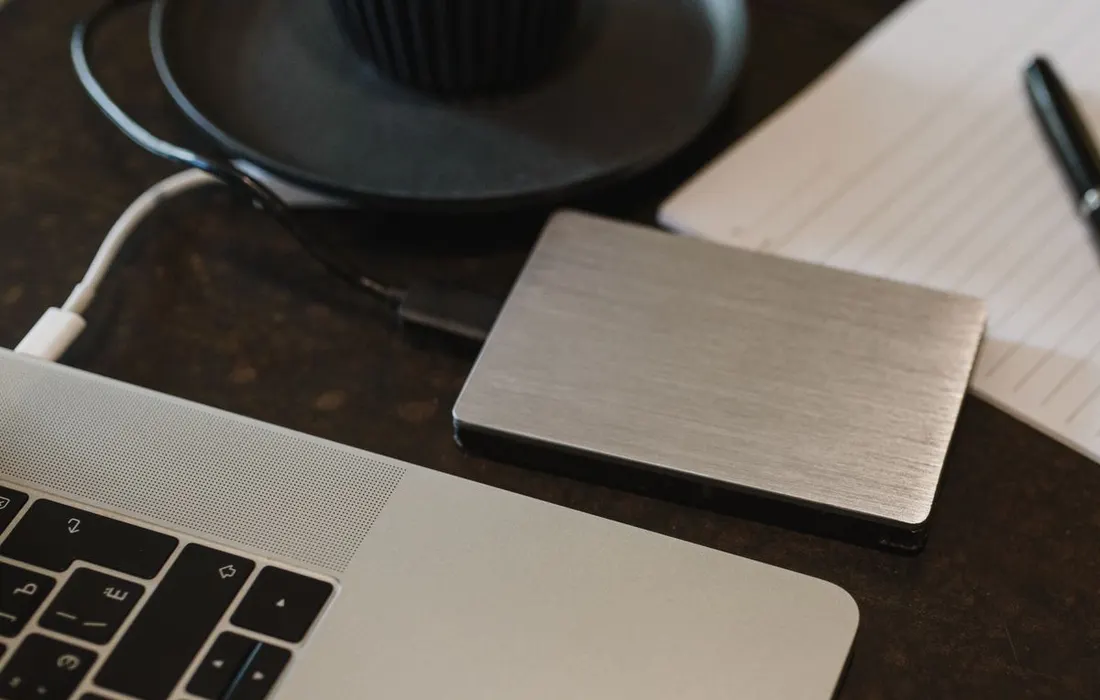
A phone can fail even when its files are correctly saved. Keep appropriate copies securely elsewhere, with trusted access arrangements where necessary. NCSC guidance recommends checking backups rather than merely creating them. Remove outdated personal documents when replacing them, and review the selection after changing address, insurer, equipment or care arrangements.
- Store paper copies away from easily visible personal information.
Reader comments
What has helped your household? Share practical experience or ask a question. No account or email needed.
Names are unverified. Comments are readers' views, not official advice. Please avoid personal details, medical instructions, promotions and conspiracy claims. Comment policy & privacy
Loading comments.
Leave a comment
Report a comment or request removal